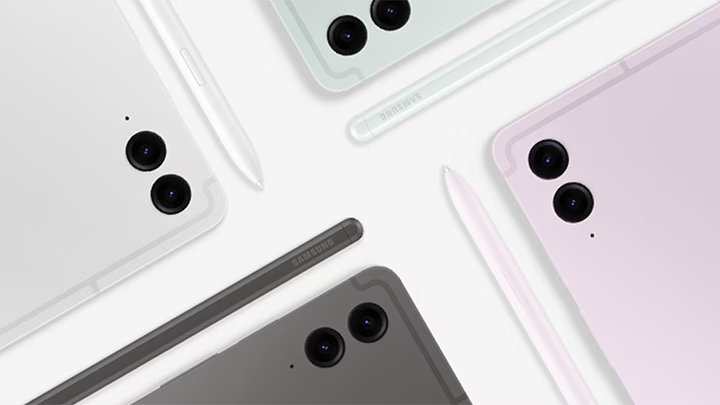
Samsung Galaxy tablets are available in various sizes, performance levels, and price ranges, making them suitable for students, professionals, gamers, artists, and entertainment users. From affordable Galaxy Tab A series models to premium Galaxy Tab S series devices, Samsung offers a tablet for almost every type of user.
However, many buyers make the mistake of choosing a tablet based only on price or display size. The right Samsung tablet should match your actual needs, whether that’s online classes, gaming, content creation, movie watching, or professional productivity. Understanding the key features before buying can help you make a smarter investment and avoid overspending on features you may never use.
In this article, we’ll explain how to choose the right Samsung Galaxy tab based on your usage, budget, and requirements.
Key Factors to Consider Before Buying
Before selecting a tablet-pc, it’s important to understand which features matter most for your intended use.
1. Choose Based on Your Usage
The first thing to consider is how you plan to use the Samsung tablet. If you need a device for online classes, reading PDFs, web browsing, and watching videos, an entry-level or mid-range tablet may be enough. For gaming and multitasking, you should choose a model with a more powerful processor and additional RAM. Creative users who draw, edit photos, or take notes should prioritize S Pen support and a larger display. Understanding your primary use case helps narrow down the best options quickly.
2. Display Size & Quality
Display size plays a major role in the overall Samsung tab experience. Smaller tablets are easier to carry, while larger displays provide more space for studying, multitasking, gaming, and entertainment. For most users, an 11-inch display offers a good balance between portability and usability. If you regularly watch movies, edit content, or use multiple apps at once, a larger 12-inch to 14-inch display can significantly improve comfort. Higher-resolution displays also provide sharper text, better image quality, and a more immersive viewing experience.
3. Processor Performance
The processor determines how smoothly a Samsung tablet can handles apps, games, multitasking, and productivity tasks. Basic users can comfortably use a mid-range processor for browsing, video streaming, and online classes. However, gamers, professionals, and power users should choose tablets with newer and more powerful chipsets to ensure better long-term performance. A strong processor not only improves speed but also helps the tablet remain responsive for several years.
4. RAM & Storage Capacity
RAM affects multitasking performance, while storage determines how many apps, photos, videos, and files you can keep on the device. For most users, 6GB RAM provides a smooth experience for everyday tasks. If you frequently multitask or use demanding applications, 8GB RAM or more is recommended. Similarly, 128GB storage is a good starting point for most users, while creative professionals and heavy users may benefit from larger storage options.
5. Battery Life
A tablet should be able to last through a full day of work, study, or entertainment. For comfortable daily usage, look for a device with at least a 7000mAh battery. Larger batteries are especially useful for students, travelers, gamers, and professionals who spend long hours away from a charger. Fast charging support is also an important feature that reduces downtime and improves convenience.
6. S Pen & Productivity Features
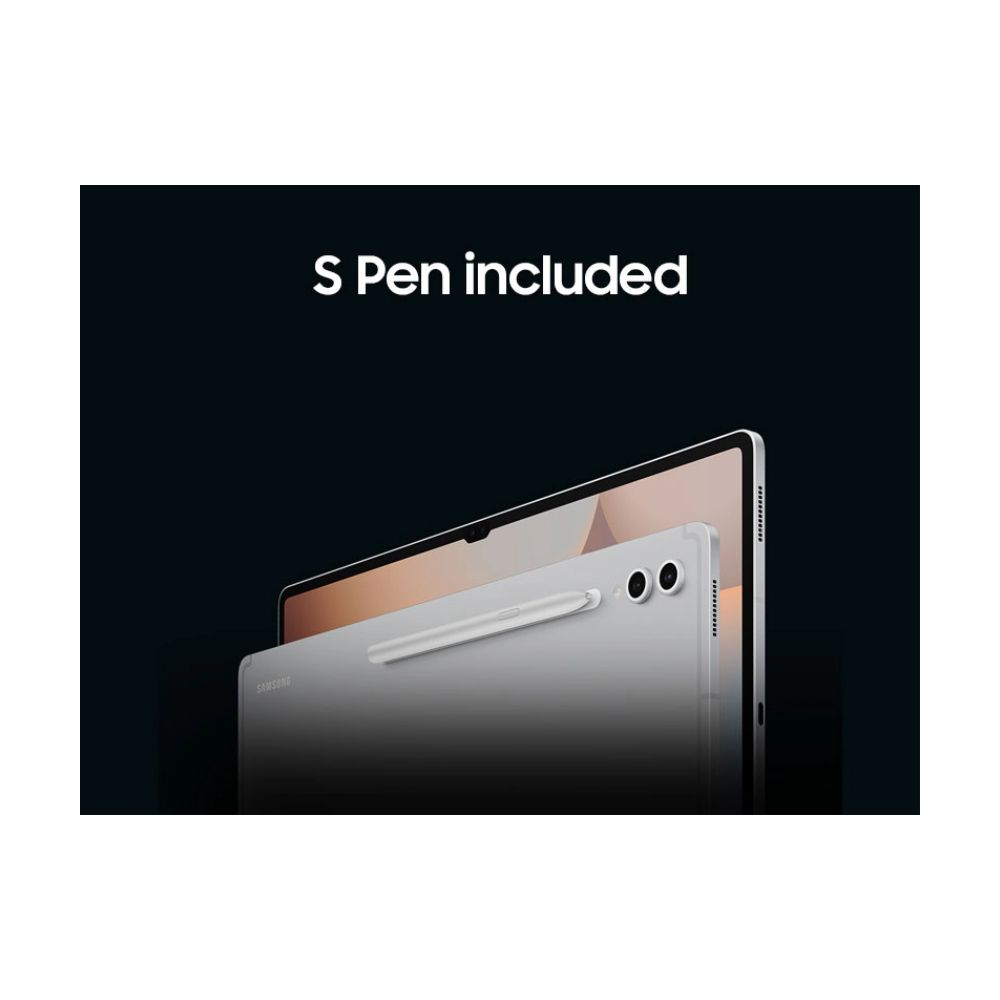
If you plan to take notes, sketch, draw, edit documents, or use productivity apps, S Pen support can add significant value. Samsung’s S Pen allows users to write naturally, annotate PDFs, create digital artwork, and improve workflow efficiency. Students, professionals, and creative users often benefit the most from this feature.
Best Samsung Galaxy Tablets Based on the Users
Choosing the right Samsung Galaxy tablet becomes much easier when you first identify how you plan to use it. Whether you need a tablet for home entertainment, office productivity, studying, creative work, or gaming, Samsung offers suitable options at different price points.
Samsung Tab For Home Use & General Users
For everyday activities such as watching YouTube, browsing Facebook, video calling family members, reading news, and casual entertainment, you don’t need a flagship tablet. The Samsung Galaxy Tab A11+ is an excellent choice for home users. This Samsung Tab offers a larger 11-inch display, stronger Dimensity 7300 processor, and better multitasking capabilities. These tablets provide everything most family users need at an affordable price.
Samsung Tab For Students & Artists
Students and creative users should prioritize features like a larger display, note-taking capabilities, multitasking support, and S Pen compatibility. The Samsung Galaxy Tab S6 Lite 2024 is one of the best options because it includes S Pen support, making it ideal for taking notes, annotating PDFs, sketching, and digital drawing. Users who want more performance and a larger workspace can consider the Samsung Galaxy Tab S10 Lite or Samsung Galaxy Tab S10 FE+, both of which offer bigger displays, stronger processors, and longer battery life for productivity and creative tasks.
Samsung Tab For Office Work & Professional Users
Professionals often need a tablet for multitasking, document editing, presentations, video meetings, and productivity applications. The Samsung Galaxy Tab S10 FE+ offers an excellent balance of performance, display size, and battery life for office work. For users who regularly handle multiple applications and productivity tasks, the Samsung Galaxy Tab S10+ provides a premium 12.4-inch Dynamic AMOLED 2X display and flagship-level performance. If you need a laptop-like experience with maximum productivity, the Samsung Galaxy Tab S11 Ultra is the ultimate professional tablet thanks to its massive 14.6-inch display and powerful hardware with keyboard support.
Samsung Tab For Gaming Enthusiasts
Gaming requires a powerful processor, high refresh rate display, and sufficient RAM to ensure smooth gameplay. The Samsung Galaxy Tab S11 is one of the best gaming tablets in Samsung’s lineup, featuring a Dynamic AMOLED 2X 120Hz display and flagship MediaTek Dimensity 9400+ processor. Gamers who want an even larger screen can choose the Samsung Galaxy Tab S10+ or Samsung Galaxy Tab S11 Ultra, both of which provide excellent graphics performance, immersive displays, and large batteries for extended gaming sessions. These tablets can comfortably handle demanding games such as PUBG Mobile, Call of Duty Mobile, Genshin Impact, and other high-performance mobile titles.
Which Samsung Galaxy Tablet Should You Buy?
The right Samsung tablet depends entirely on your needs and budget. For basic usage, the Galaxy Tab A11+ offers one of the best value-for-money experiences for most users. Students and note-takers should consider the Galaxy Tab S6 Lite 2024 because of its S Pen support. Users looking for better performance can choose the Galaxy Tab S10 Lite, while the Galaxy Tab S10 FE+ provides a large-screen experience at a competitive price.
For flagship-level performance, the Galaxy Tab S11 and Galaxy Tab S10+ are excellent choices. However, if you want the most powerful and feature-rich Samsung tablet available, the Galaxy Tab S11 Ultra remains the ultimate option.
Where Can You Buy Official Samsung Tablets in Bangladesh?
If you are planning to buy an official Samsung tablet in Bangladesh, it is important to choose a trusted retailer to ensure genuine products and proper warranty support. One of the best options is Star Tech, a leading electronics retailer in Bangladesh.
They offer a wide range of Samsung Galaxy tablets at competitive prices. You can visit their physical outlets or order online with nationwide home delivery. Star Tech also provides official warranty support, EMI facilities, and reliable after-sales service, making it easier to find the right Samsung tablet for your needs and budget.